

 iPad · iPhone · Mac
 Think freely. The infinite-canvas note app for iPad — mind maps, Apple Pencil and FSRS flashcards in one place.
An infinite canvas that remembers. Sketch, map and annotate, then let Mena find the threads between your notes and turn them into flashcards you actually review. No account. Nothing leaves your device but your own iCloud.
Free to start · No account · Private iCloud sync

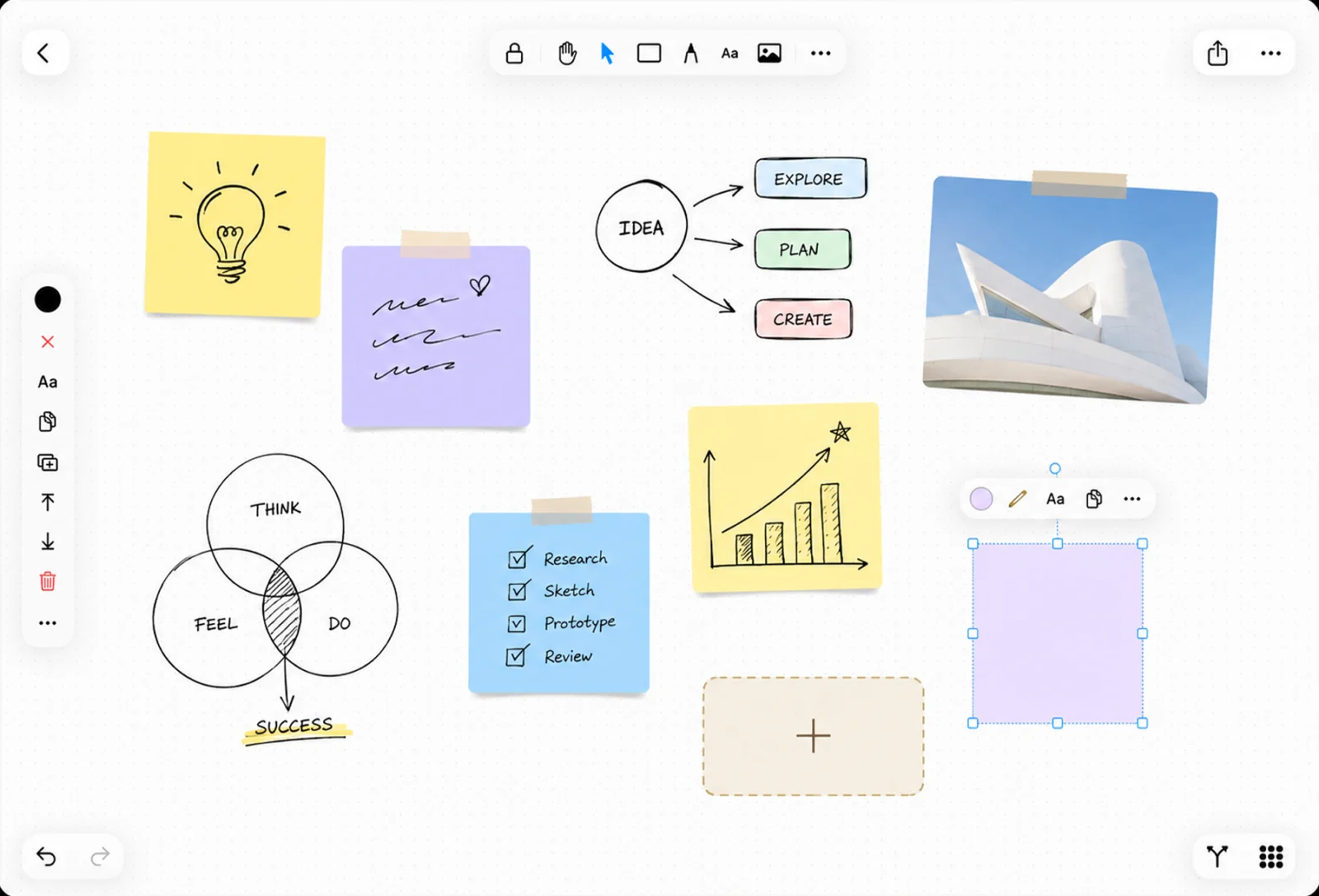

Your ideas have
no borders.
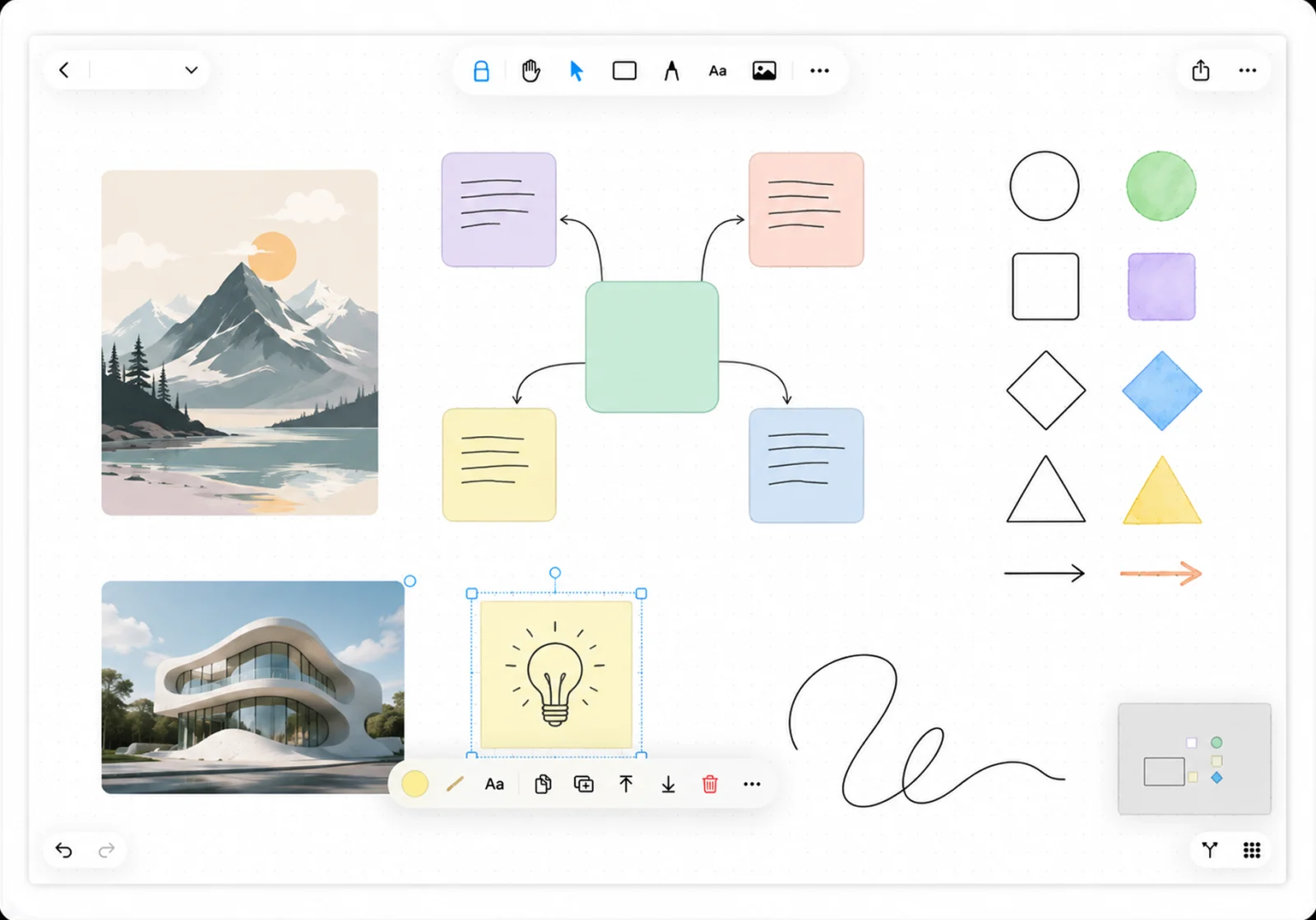
Pan and zoom freely across an infinite workspace. Dot grid, lines, or nothing at all. A minimap keeps you oriented. Mena stays out of your way so you can think.

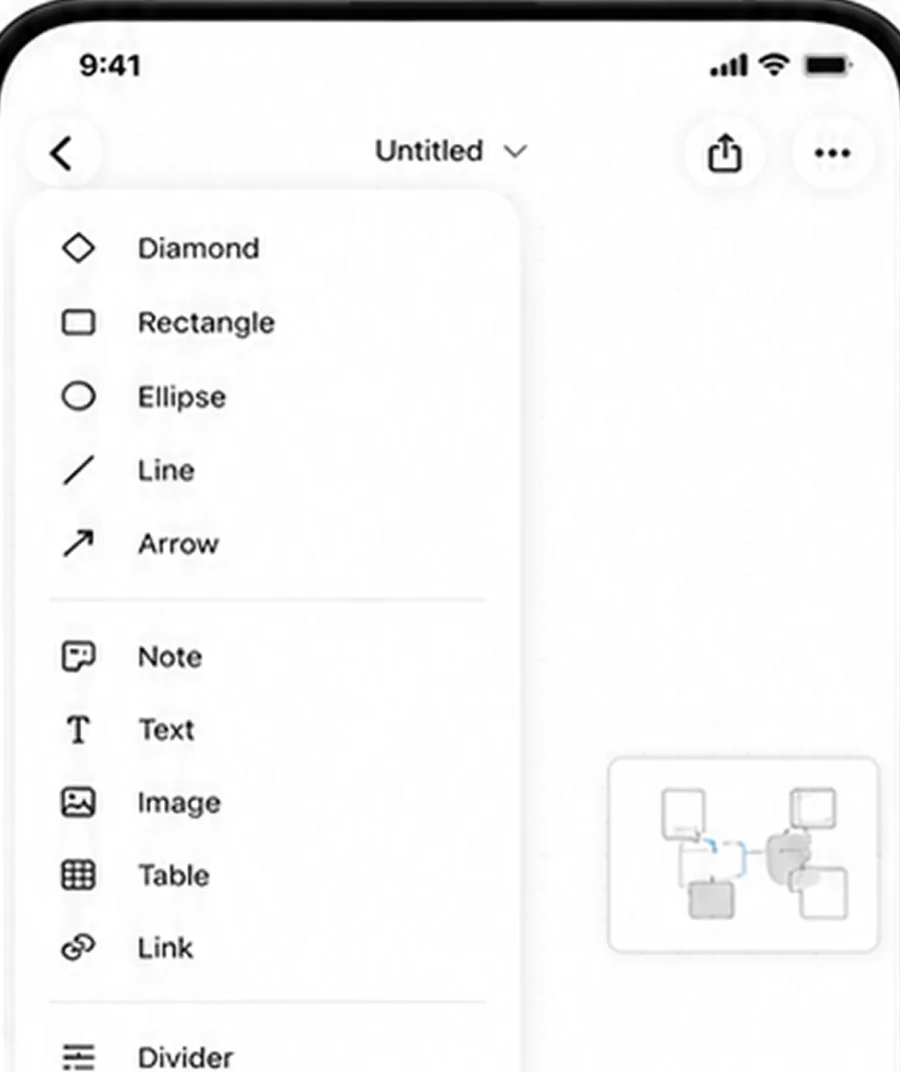
Every kind of thinking. One surface.
Seventeen element types share one canvas, one undo stack and one export. Nothing lives in a separate app, a separate tab or a separate file.
Write
Draw
Embed
Connect
9,000 shapes. Nothing to download.
Every stencil ships inside the app — vector, searchable and offline. Draw a cloud architecture, a rack elevation, a floor plan or a wiring schematic without ever leaving the canvas.
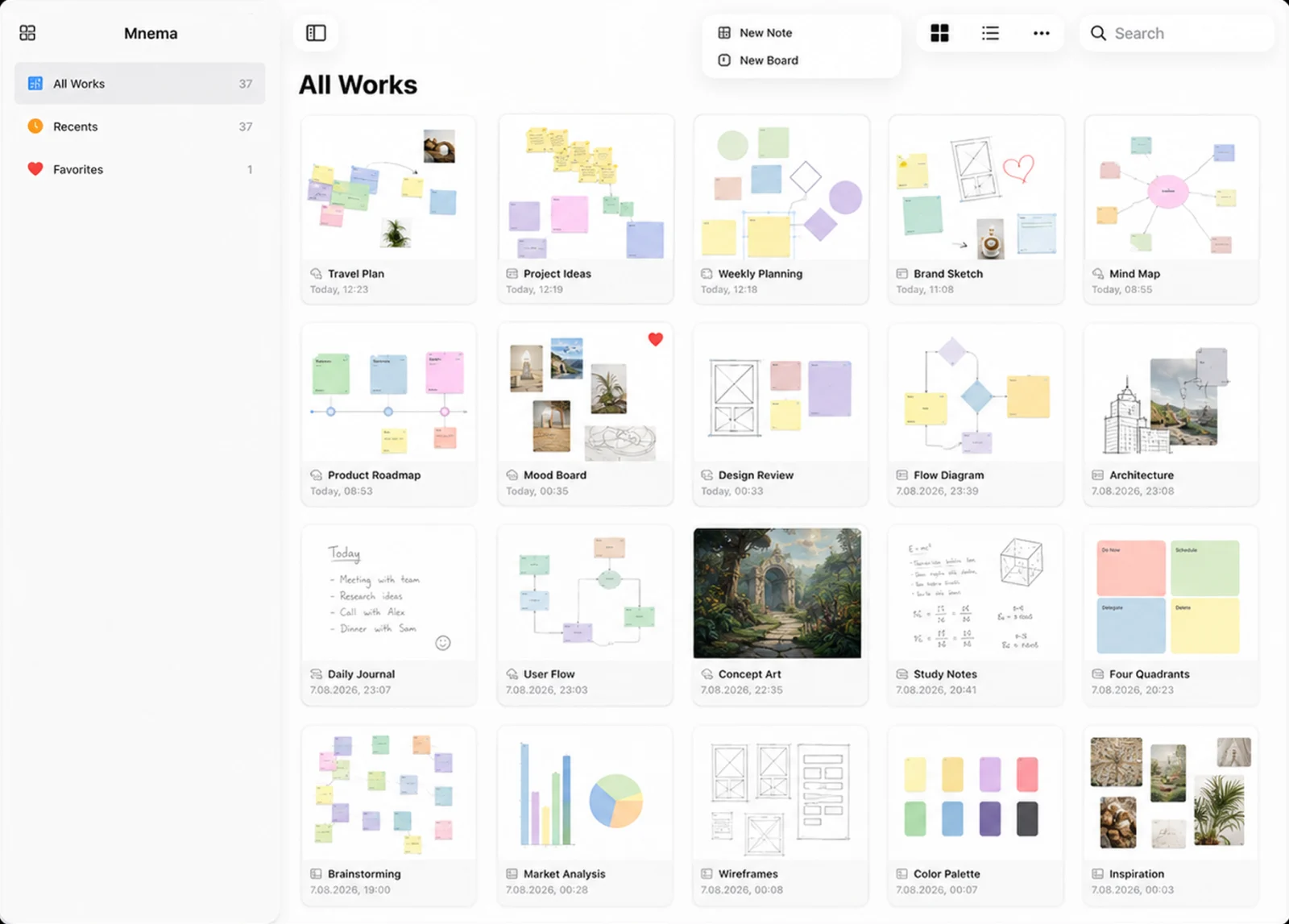
Start from a layout, not a blank page.
Eight ready-made boards drop in fully formed — then they're yours to redraw.
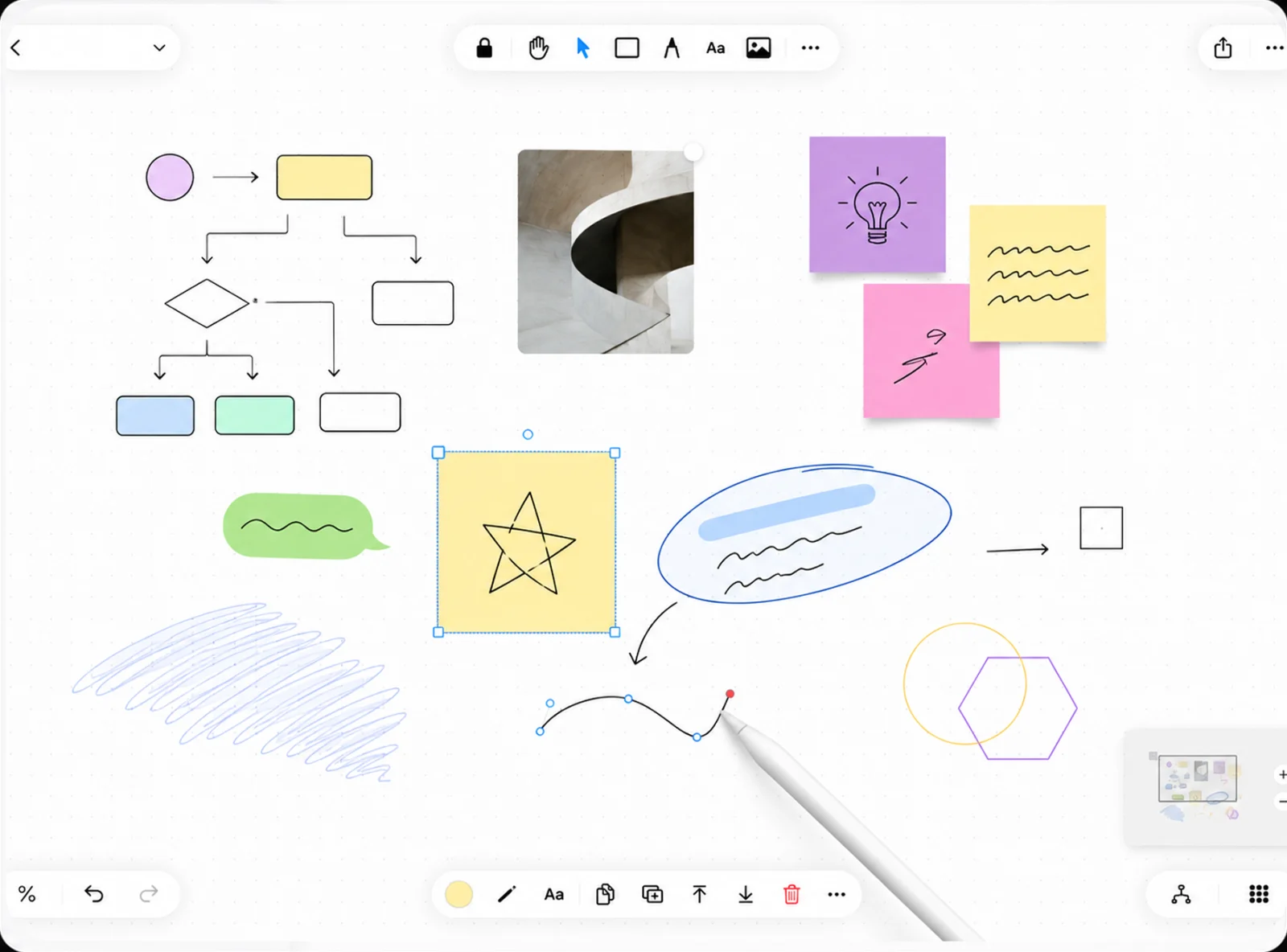

Draw, sketch, annotate. Instantly.
Freehand strokes, highlighter and shapes with no perceived lag. Draw to Shape snaps a rough sketch into clean geometry on lift — and the same ink annotates a board, a note page or any page of an imported PDF.
- Pressure Sensitivity
- Draw to Shape
- Lasso Selection
- Highlighter
- Rough Style
- PDF Annotation
Read it. Mark it up.
Keep it.
Drop in a lecture PDF, a scanned handout or a stack of photos and Mena turns it into a paginated notebook. Annotate any page with Apple Pencil, flip through the sidebar, and export the annotated result back out as a PDF.
Four blank templates, drawn procedurally — they cost nothing to store and stay crisp at any zoom. Change one page or every blank page at once.
The forgetting curve
retrieval strengthens the trace- Import PDF, images and scans
- Page-by-page reader
- Apple Pencil ink per page
- Thumbnail sidebar + overview grid
- Search inside a document
- Light, dark or automatic paper
- Export the whole thing as PDF
- One copy of the file, any page count

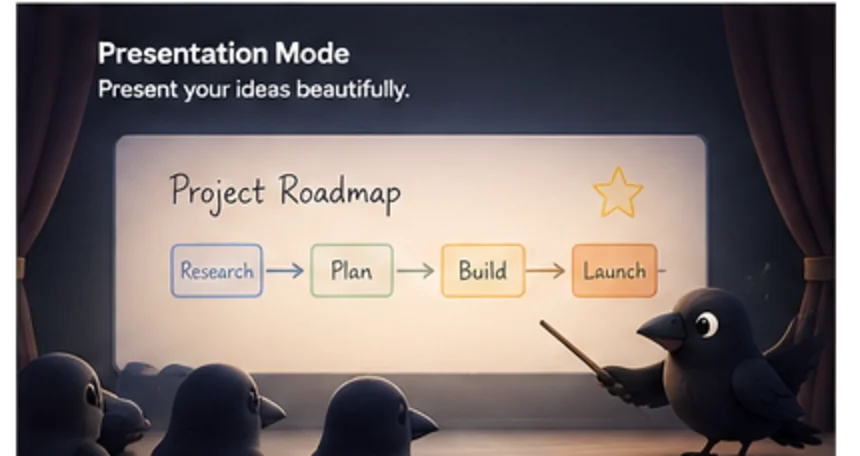
Your canvas becomes a presentation.
Draw a frame around anything on the board — it becomes a slide. Navigate the filmstrip, present full-screen, export as PDF.
- Unlimited Slides
- Full-Screen Presentation
- PDF Export
- Custom Slide Order
Mena reads your notes
so you don't have to.
Every note, sticky and page you write gets indexed on your device. Mena finds the threads between them and keeps a living map of your thinking — no tagging, no folders, no setup. You never build it; you just open it.
Themes
Works that keep circling the same subject, gathered on their own.
Clusters
Loose ideas Mena linked to each other across different boards.
Concepts
The things your notes keep naming — every mention in one place.

On your device. Not on a server.
The semantic layer runs on Apple's on-device contextual embedding model. Your notes are never uploaded, never sent to an API, never used to train anything. The model loads when an indexing pass runs and unloads the moment it's idle.
- No network
- No account
- Works offline
- Multilingual

Study smarter with FSRS-5.
Turn any element on any board into a flashcard. Mena schedules it with FSRS — the algorithm Anki, Mochi and RemNote all converged on — a pure function of your answers, computed on your device with nothing sent anywhere.
Auto-generate cards
Mena reads a note and proposes Q&A pairs. Runs on-device — no network, no API key.
Cloze deletion
Wrap any word in {{braces}} and that word becomes the blank. One tap, no card editor.
Anki import & export
Open any .apkg — cards, scheduling, images and clozes come across. Export back out any time.
Study reminders
A nudge when cards come due, so the streak survives a busy week.
Folders, without the part you hate.
A Space groups whatever a project actually needs — a board, a PDF, three journal days and a study deck, side by side. Putting something in a Space doesn't take it out of anywhere else, and one work can live in as many Spaces as it belongs to.
- Mixes every board type freely
- One work, many Spaces
- Pin the ones you live in
- Own colour, glyph and cover
Four ways in.
Zero decisions.
The thought is gone in eight seconds. Mena is built so getting it down never costs more than one tap, and sorting it out is a problem for later you.
Share sheet
Text, links, images, PDFs and video from any other app. Pick a board, done.
Quick Capture widget
One tap on the Home or Lock Screen lands you in today's page with the caret up.
Journal
One page per day, created the moment you need it. Nothing to name, nothing to file.
Inbox
Every capture lands in its own board, auto-titled from its content — triage later.
Recording a voice memo on the canvas? Ink you draw while it runs is seekable by playback time — scrub the audio, the strokes follow.
Keep the board. Bring the tool to it.
Drag a window out over your canvas, resize it, park it where it helps. The board underneath stays live — keep writing while a reference sits open beside you.
Mena on your home screen.
Cards due today, a board you live in, your study streak — at a glance, without opening the app.
Always in sync. Always yours.
Every board, element and attachment mirrors through your own private iCloud database. There is no Mena account to create and no Mena server to trust — large files upload in chunks so even a 300-page PDF reaches your other devices intact.
One document model.
Seven ways in.
Every kind stores the same thing underneath, so a board can become a note and a note can become a deck. The kind only decides how it opens.
Board
Infinite whiteboard. Sketch, think, connect freely.
Note
Vertical page. Write like Notes, think visually.
Document
Imported PDFs and scans, read page by page and annotated.
Journal
One page per day, created the moment you need it.
Inbox
Anything you shared in, auto-titled. Triage when you want.
Atlas
A spatial map of your other boards, arranged by hand.
Deck
Flashcard study with FSRS scheduling and a review session.
Free to think in.
Pro to live in.
No account, ever — free or paid. Journals and system boards are never counted against you.
Free
$0Enough to live with, not a demo.
Mena Pro
Monthly · Yearly · LifetimeEvery limit lifted. Lifetime is a one-time purchase — no subscription, no renewal.
- Unlimited boards, notes, documents and decks
- Every element, stencil and template
- Documents, Slides and Anki import / export
- Topics, Spaces and the knowledge map
- All four widgets
- Private iCloud sync across your devices
Prices show in the app before you buy, in your own currency. Subscriptions renew automatically until cancelled; restore purchases any time.
Little crows with
a big memory.
Mena's characters carry your ideas — each one a small keeper of thoughts, notes and everything you don't want to forget.




One workspace.
Infinite possibilities.

Frequently asked questions
What is Mena?
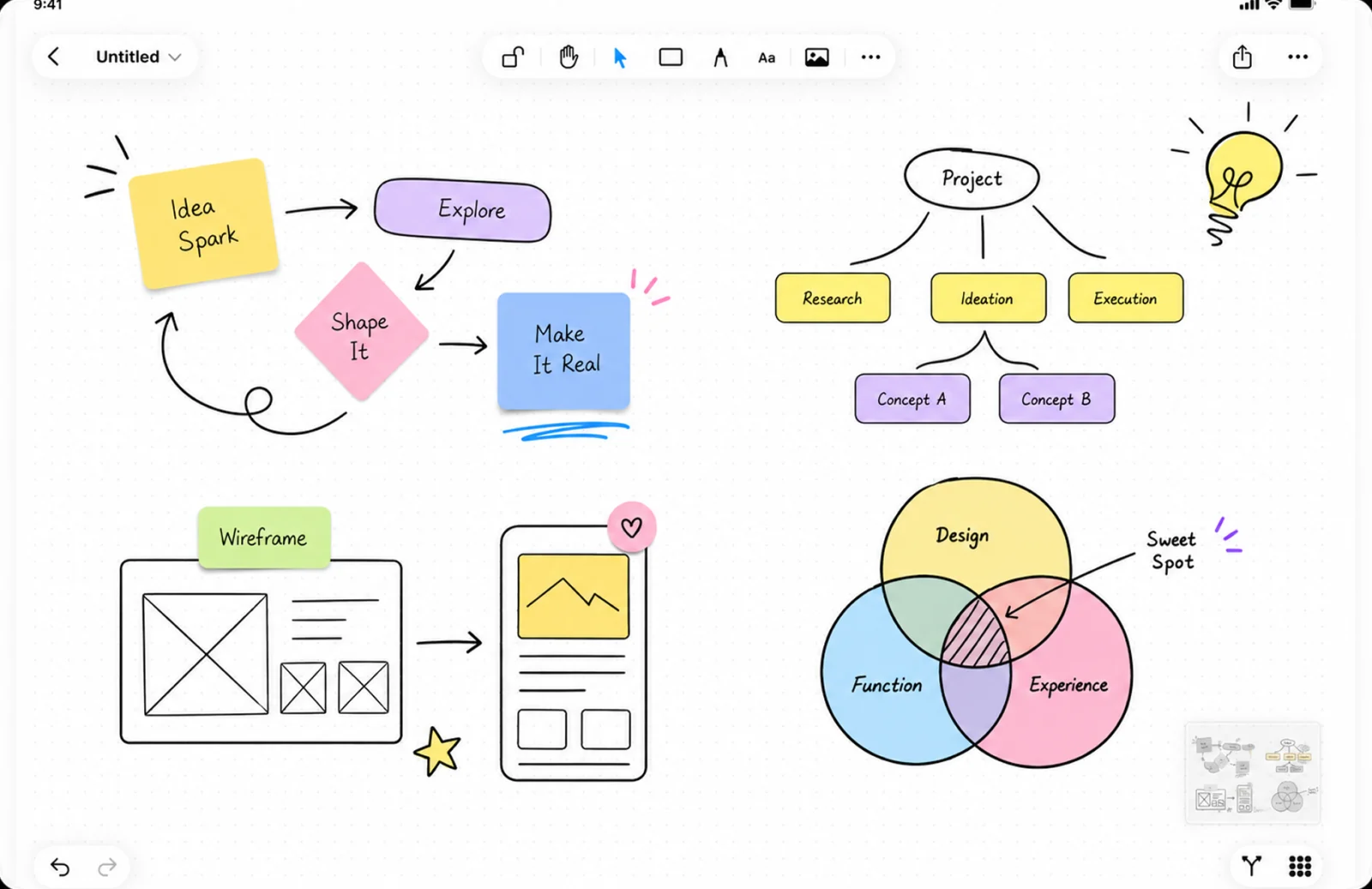
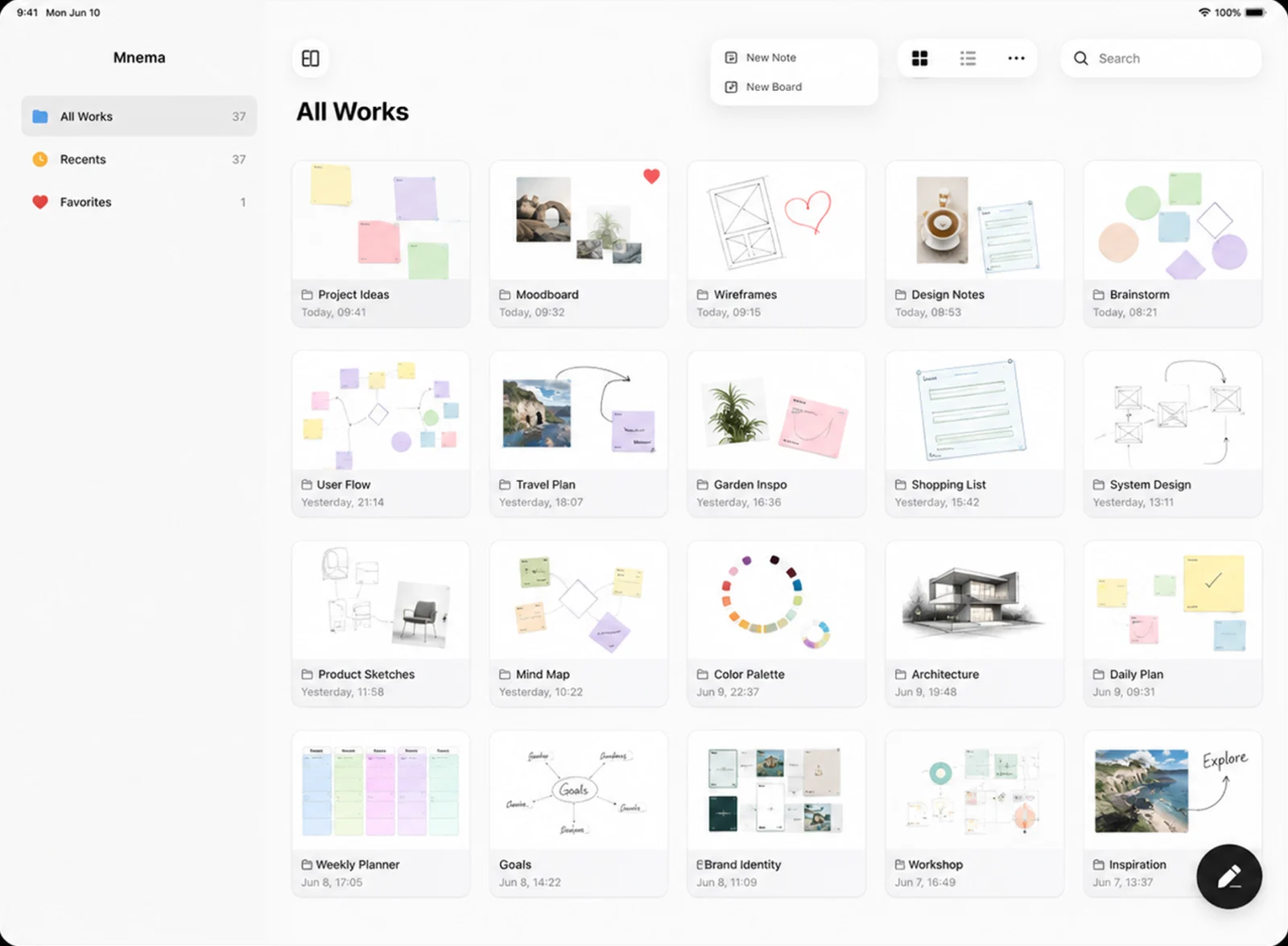
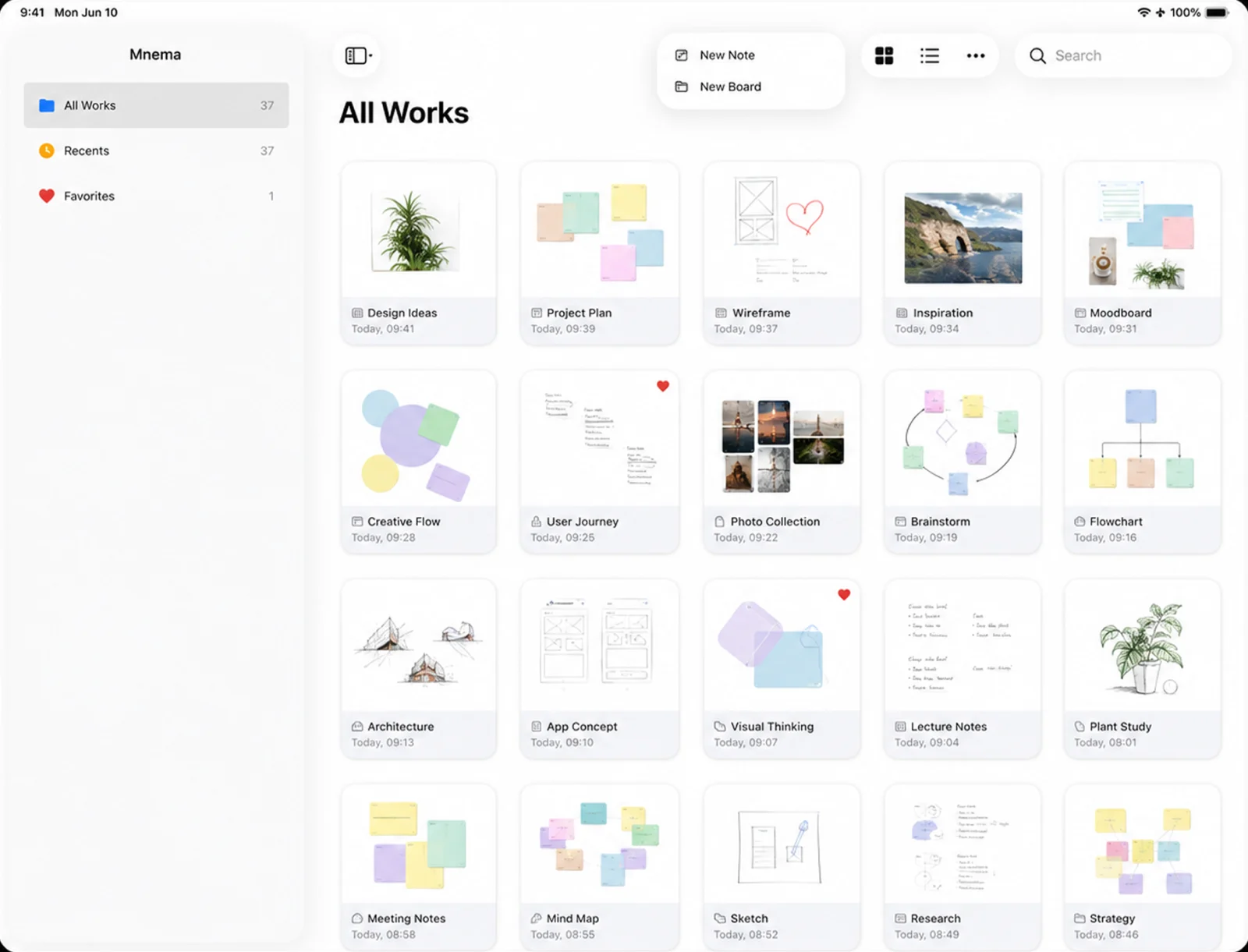
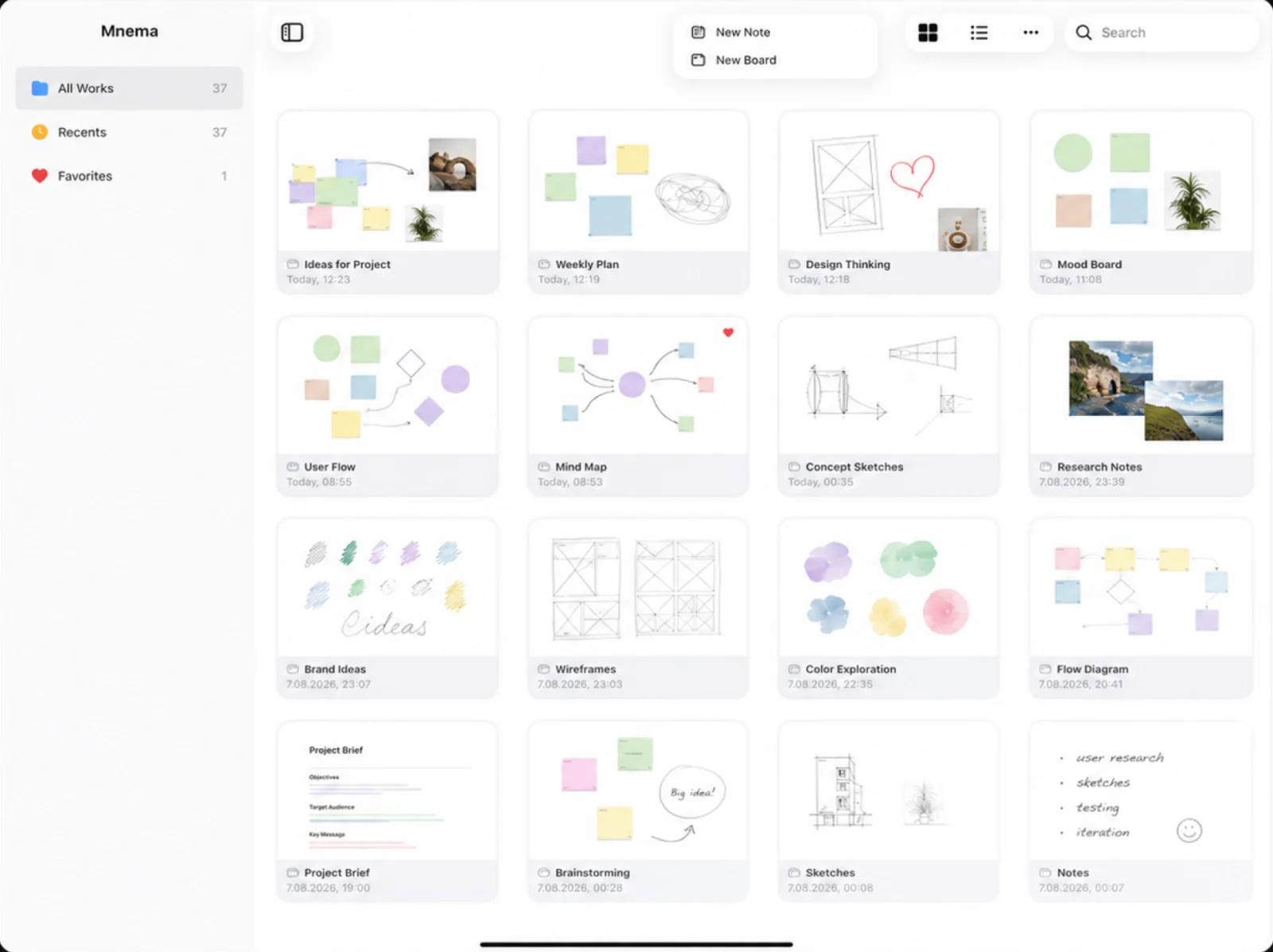
Mena is an infinite-canvas note app for iPad, iPhone and Mac. One board holds sticky notes, text, Apple Pencil ink, images, PDFs, audio, maps and web embeds, and the same content can become a mind map, a presentation or a deck of FSRS flashcards.
Do I need an account to use Mena?
No. There is no Mena account and no Mena server. Everything is stored on your device and mirrors through your own private iCloud (CloudKit) database, so sync works across your iPad, iPhone and Mac without you signing up for anything.
Is Mena free?
Yes, the free tier includes 3 boards, 3 notes, 3 documents and 5 decks, plus unlimited Journal and Inbox pages. Mena Pro lifts every limit and is available monthly ($2.99), yearly ($19.99) or as a one-time lifetime purchase ($49.99), with a 7-day free trial.
Can Mena import my Anki decks?
Yes. Mena opens any .apkg file and brings across cards, scheduling state, images and cloze deletions. You can export back to .apkg at any time, so your review history is never locked in.
Which spaced repetition algorithm does Mena use?
FSRS-5 — the Free Spaced Repetition Scheduler that Anki adopted as its default. Mena runs it as a pure, deterministic function of your grades entirely on-device, so no review data leaves your iPad.
Does Mena work with Apple Pencil?
Yes. Freehand ink, highlighter, pressure sensitivity, lasso selection and Draw to Shape all work on the canvas, on note pages and on every page of an imported PDF. Draw a rough rectangle and it snaps to clean geometry when you lift the pencil.
Can I annotate PDFs in Mena?
Yes. Import a PDF, a scan or a stack of photos and Mena turns it into a paginated document you read page by page. Annotate any page with Apple Pencil, search inside the text, and export the annotated file back out as a PDF.
Does Mena send my notes to an AI server?
No. The semantic layer that builds Topics, clusters and concepts runs on Apple’s on-device contextual embedding model. Nothing is uploaded, nothing is sent to an API and nothing is used to train a model. Mena works fully offline.
Which devices and languages does Mena support?
Mena runs on iPadOS 18.6+, iOS 18.6+ and macOS. The app is localised in 29 languages, including English, Spanish, French, German, Italian, Portuguese, Japanese, Korean, Simplified and Traditional Chinese, Turkish, Russian, Arabic, Hindi and Hebrew.
Can I use Mena offline?
Yes. All 9,147 stencils, every template, the search index and the FSRS scheduler are on-device. iCloud sync catches up when you reconnect; nothing requires a network to work.
Keep reading

Start thinking
visually.
Free to download on iPad and iPhone.
Download on the App Store Free · No account required · iCloud Sync